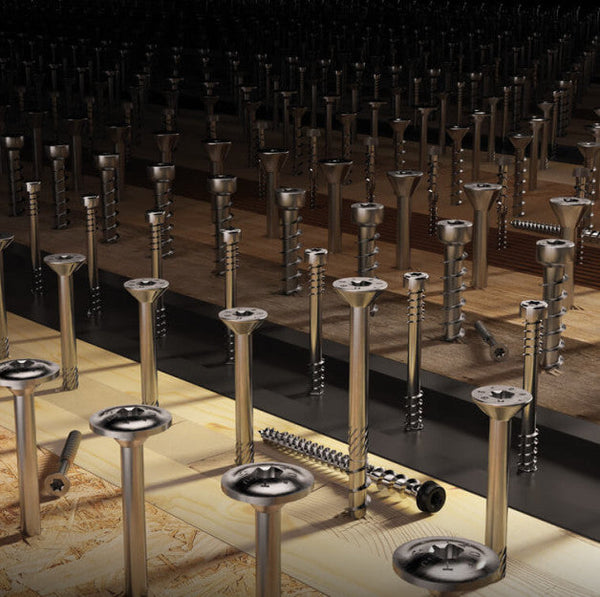
Specifying timber connectors is the easy part. The slow part is working out how many screws, dowels, or concrete anchors each one needs, then rounding everything to box quantities before placing an order. The TimbA Fastener Calculator does that work for you. It is a free online tool that pulls quantities directly from official Rothoblaas datasheets, groups results by SKU, rounds them to full boxes, and drops everything straight into your basket.
What the calculator does
You search a Rothoblaas connector by code, choose whether each side is timber-to-timber or timber-to-concrete, and the tool returns the screws, dowels, and anchors needed at the maximum-fastening configuration set out in the datasheet. It then rounds those fasteners and any VIN-FIX (FIX300) resin to full boxes, ready to add to your basket alongside the connectors themselves.
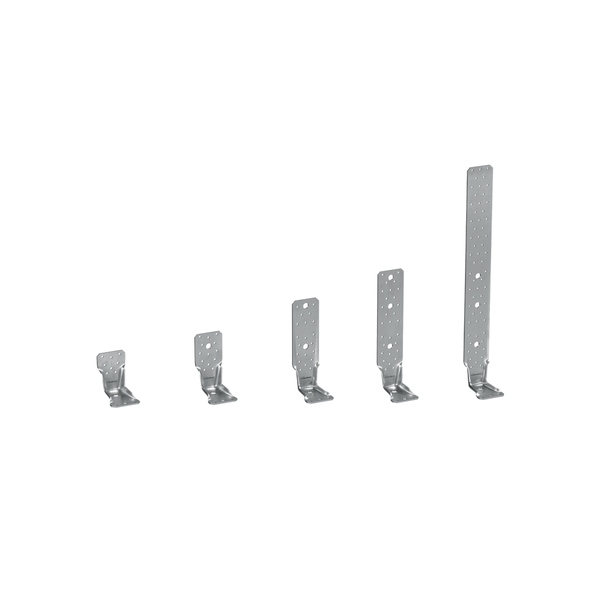
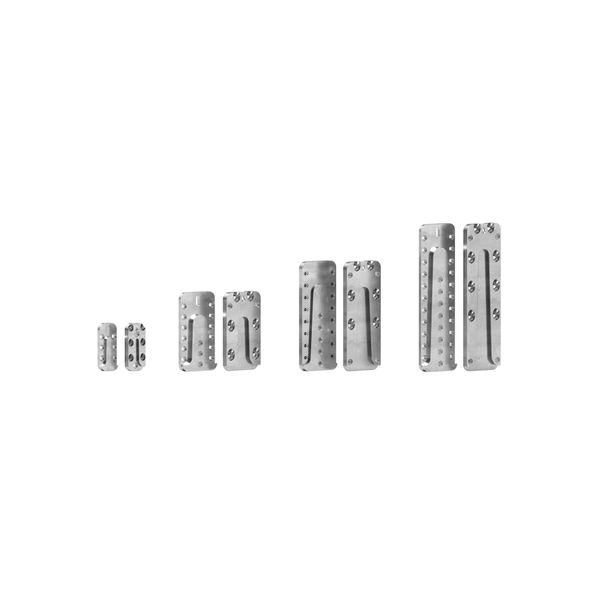
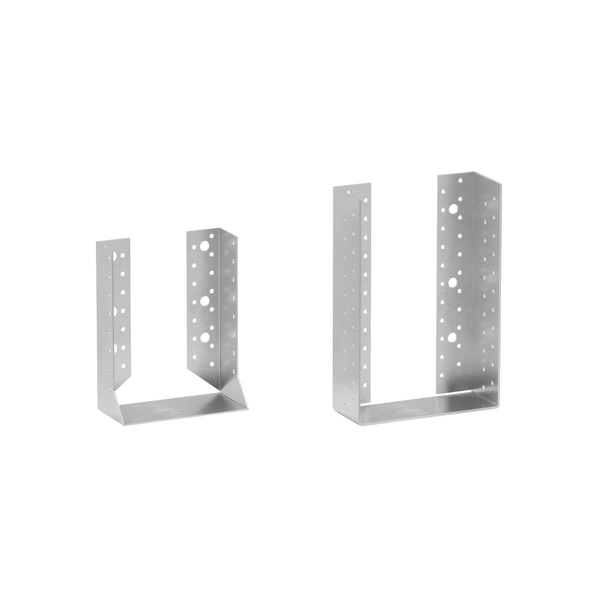
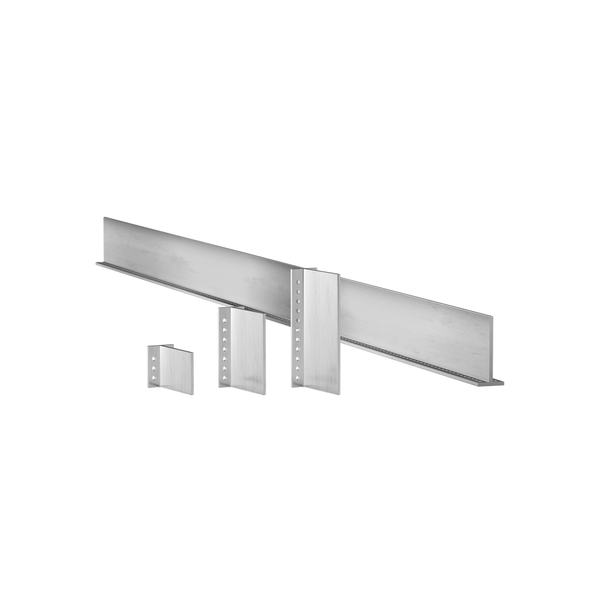
Popular connectors to try include TCN240, WHT55, and ALUMIDI80, but the tool supports the wider Rothoblaas bracket range too. Configure each side, review the order summary grouped by SKU, and you have a complete fastener schedule for that connection type.
Why it matters
On a typical CLT or timber-frame build, manual fastener counting is a quiet source of errors and delay. Under-ordering means a half-day lost waiting for a box of screws; over-ordering ties up budget in stock you do not need. Datasheets vary by connector, and looking each one up takes time the design office rarely has. The calculator solves both: it standardises the quantities, removes the arithmetic, and gives a defensible, datasheet-based number you can put into a procurement schedule.
- Fewer ordering mistakes: quantities come straight from the manufacturer's datasheets
- Box-rounded: fasteners and resin are pre-packed for the way the products are actually sold
- Faster procurement: connector, fasteners, and anchors all flow into one basket
- Better site reliability: the right fixings arrive together, not in two separate orders
How to use it in three steps
1. Search. Type the bracket code, such as TCN240 or WHT55, into the search box. Add as many connectors as your connection needs.
2. Configure. For each connector, set the timber side and the substrate side: timber-to-timber for panel-to-panel or panel-to-beam, timber-to-concrete where the connector lands on a slab or foundation.
3. Review and add to basket. The order summary lists every SKU, total pieces, and the order quantity rounded to full boxes. Click "Add order to basket" and the connectors, screws, dowels, and any resin all flow through to checkout.
What the numbers mean
The calculator returns quantities at each connector's maximum-fastening configuration. That is deliberate: it gives an upper-bound proposal, so you are never short on site. The trade-off is that some projects will not need every hole filled, and a structural engineer may reduce the count in design.
Always confirm the final schedule: the tool is built for fast, datasheet-accurate procurement. The final fixing schedule, including any reductions or VGS reinforcement screws for higher loads, must be signed off by the project engineer.
What connects to what in the TimbA shop
The calculator pulls from the live Rothoblaas range we stock, including plates and angle brackets, post bases, and chemical and metal anchors, paired with the structural timber screws the datasheets specify. Because we are an authorised Rothoblaas UK distributor, you can place the entire order in one go, and in-stock items ship in one to two days.
When to bring engineering into the loop
For straightforward connections, the calculator is enough on its own. For higher-load joints, hybrid timber-and-concrete details, or any case where the project engineer wants the schedule reviewed, our in-house structural engineers can audit your connections and confirm the fixing list. That work sits within our engineering and consultancy services, alongside hygrothermal modelling and Eurocode 5 design support.
Try the calculator
The TimbA Fastener Calculator is free to use and built around the way mass timber and timber-frame projects actually order hardware. Pick a connector, configure each side, and let the tool do the arithmetic. If you would like an engineer to review the schedule before you order, get in touch and we will help you finalise it.